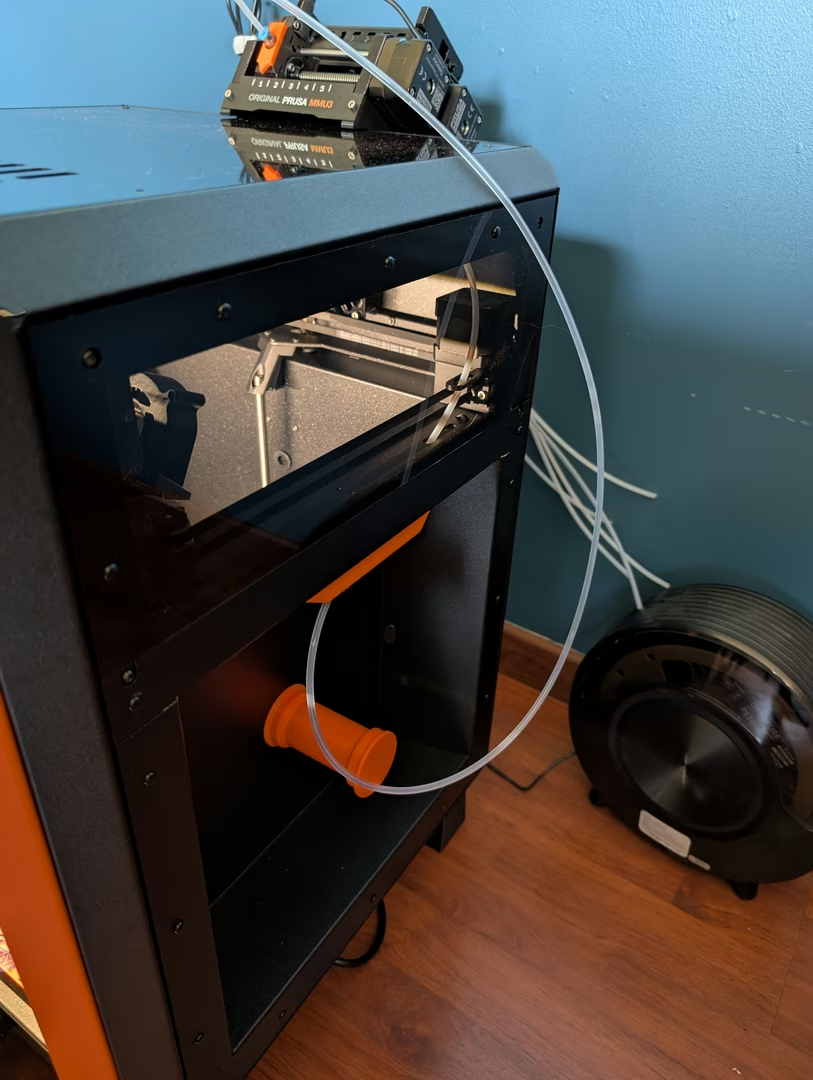
As a Prusa printer owner, I’ve been exploring ways to customize the firmware to add new features. At the time of writing, I’m using a Core One.
I also have an MMU3, but its current integration isn't ideal, and Prusa’s official solutions are quite limited. While waiting for a better hardware MMU3 release from Prusa, I wanted to use my existing setup with the MMU3—without going as far as building a fully custom solution like the Coreboxx.
I attempted to connect the MMU3 directly to the Core One without modifying the hardware, but it didn’t work. The configurable Bowden tube length was too short—capped at 1000mm (in the printer configuration), whereas my setup requires 1600mm.
So, I decided to develop custom firmware for the Core One. Here’s how I got started.
Setup pre-requisites
On the official Prusa Firmware Buddy, you'll find instructions to setup the environment.
I first installed on my Mac the following software:
Now you'll find the firmware in the build directory. Here my firware was in ./build/products/coreone_release_boot_6.3.4.bbf.
Prepare the printer
Before flashing the firmware, you need to prepare the printer. Official firmware are signed with a Prusa private key. To be able to flash the firmware, you need to break the appendix seal on the xBuddy board. I know it can be frightening, but it's ok if you (more info here).
Doing this doesn't break the warranty!
Flash the firmware
Now you can flash the firmware on your printer. Send the firmware through the USB stick or via Prusa Connect.
Reboot to flash with your custom firmware and it's done!
MMU custom firmware
I noticed having issues while saving the settings from the control panel. There was another control on the MMU3 forcing me to perform the same modification as the Core One. Hopefully Prusa did once again a great job with the MMU and the build is working the same way as for the Core One firmware.
So I did this modification on the MMU firmware (similar to the Core One firmware):
Then ran a build to get a new firmware (.dex extension) in the build directory.
The only change is on the update, I did not find a way to be able to update it directly from the main firmware so I used a USB cable connected to the MMU3 to update it as described here.
Conclusion
I'm really happy with the result. I can now use my MMU3 with the Core One. I did not expect it to be so easy to build a custom firmware for my printer.
Prusa doing Open Source is not just words. They did a lot of things to make it possible for newcomers. I was already loving Prusa since the MK4, but now I'm even more impressed.